Understanding Loading Profile
📘 What is a Loading Profile?
A Loading Profile is a predefined configuration that controls how a Loading Job Execution is carried out in the warehouse.
Loading refers to the process of scanning outbound containers as they are physically loaded onto a carrier (e.g., a lorry or van). It’s the final confirmation step in the outbound process, used to ensure that each container is correctly loaded and recorded as dispatched.
🔍 Accessing Loading Profile
To access the Loading Profile setup:
Open the Navigation Menu.
Use the search bar to type "Loading Profile", then click on the result.
orGo to:
Configuration > Shipment Profile Setup > Loading Profile
➕ Adding a Loading Profile
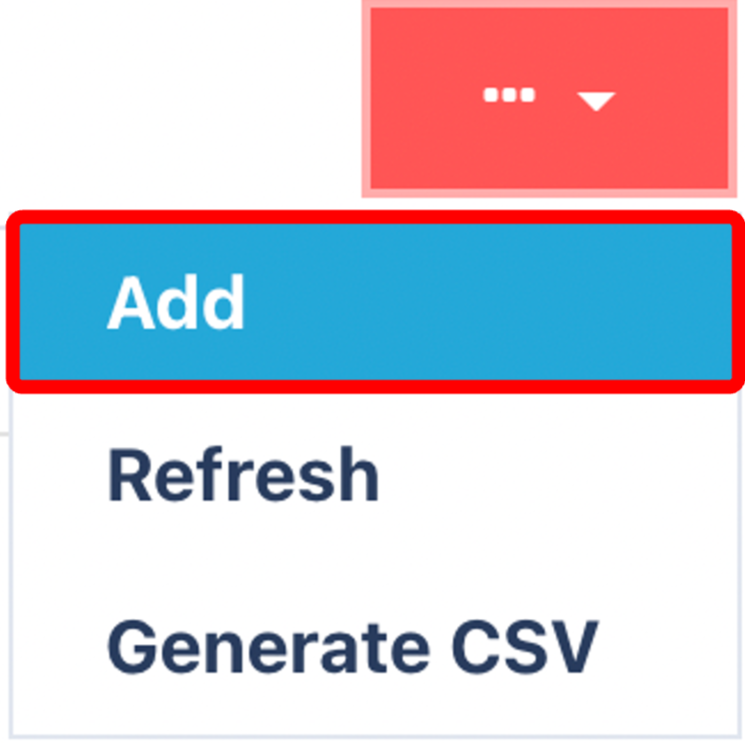
Click on the Red Action Button , this will bring up a drop-down menu, and select "Add"
Enter the name of the Profile
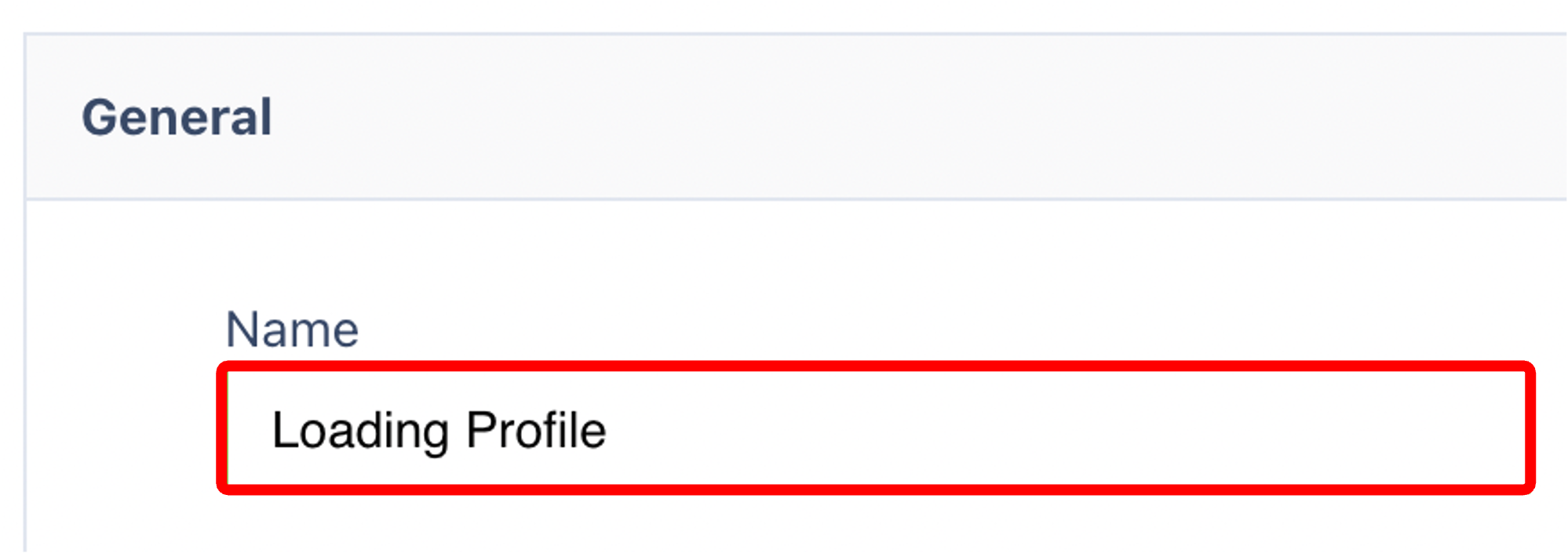
Enter a Name for your profile
Use a descriptive and easily recognisable name (e.g., Standard Van Load, Pallet Carrier Loading, etc.).(Optional) Configure any available options or toggles relevant to your operation.
Ensure the profile is set to Active if you want it available for use.
Click Submit to save your profile.